

Business & personal check printing
Business and personal checks, printed to order.
Computer, QuickBooks, manual and personal checks with built-in security features. Choose a style, fill in the business and bank details, and we take care of the printing.
Prefer to order by phone? Call 718-522-2161
- Security features built inHelps guard against fraud and copying
- Works with accounting softwareQuickBooks, Quicken and more
- Custom printedName, bank, logo and check numbers
- Real help by phoneCall 718-522-2161
Shop checks
Choose the type of check you use. Every style comes in several colors.
-
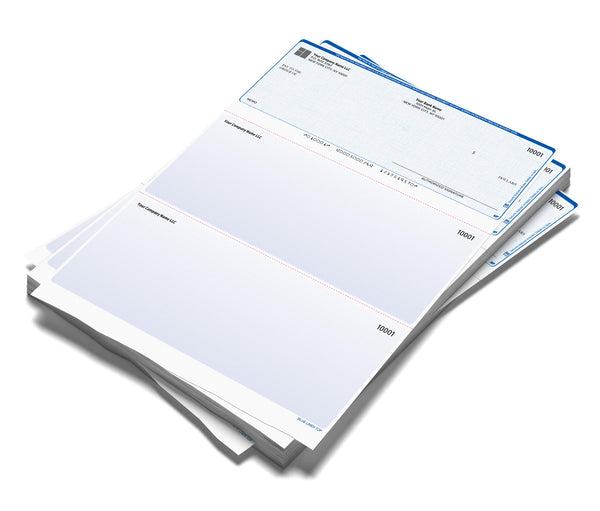 Computer Checks (Printed)Printed with name, bank and account numbers. Ready for any printer.
-
QuickBooks ChecksFormatted for QuickBooks, Quicken and other accounting software.
-
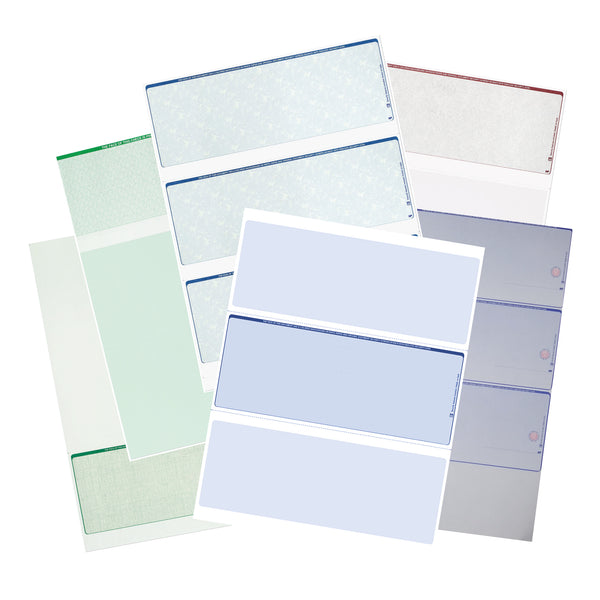 Computer Checks (Blank)Blank security check paper for printing everything yourself.
-
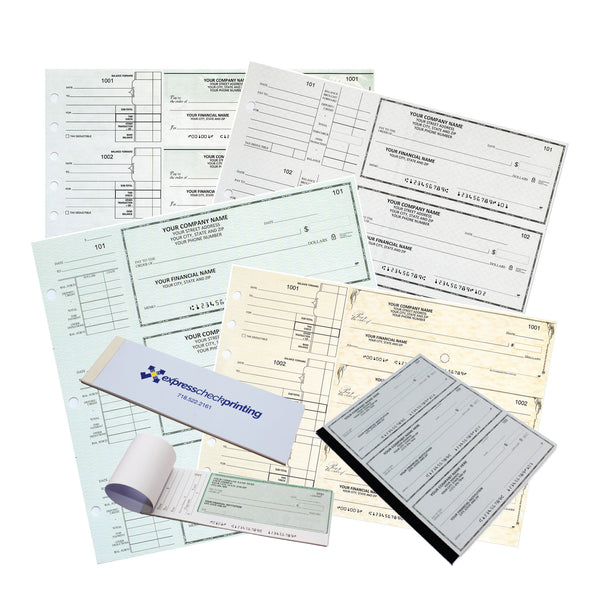 Manual Business Checks3-on-a-page checks you write by hand and keep in a binder.
-
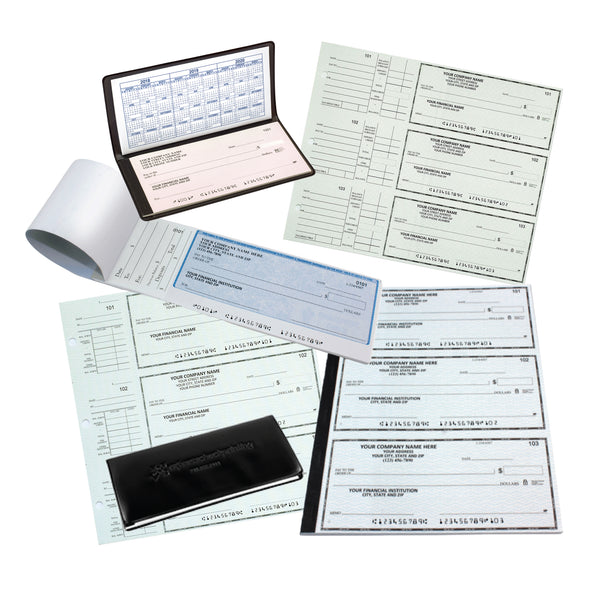 Personal ChecksWallet and booklet checks for personal accounts.
-
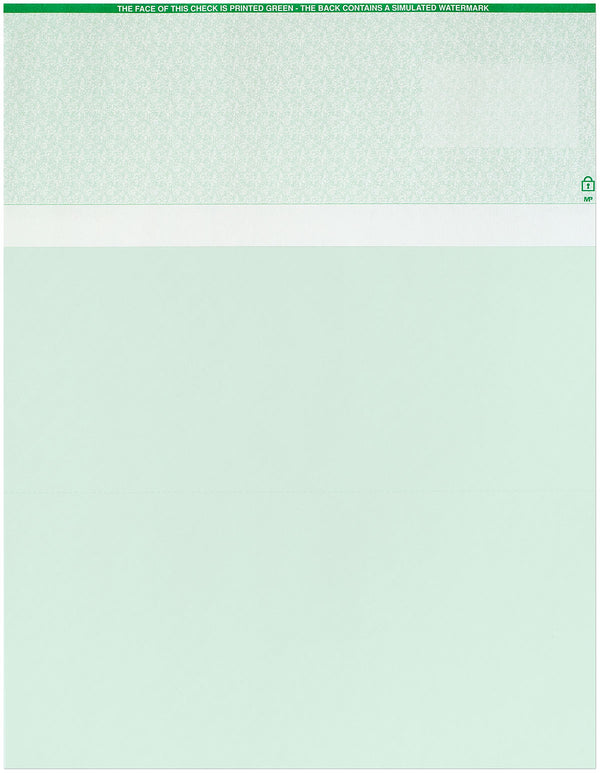 High Security ChecksExtra security features for larger payments.
Check supplies
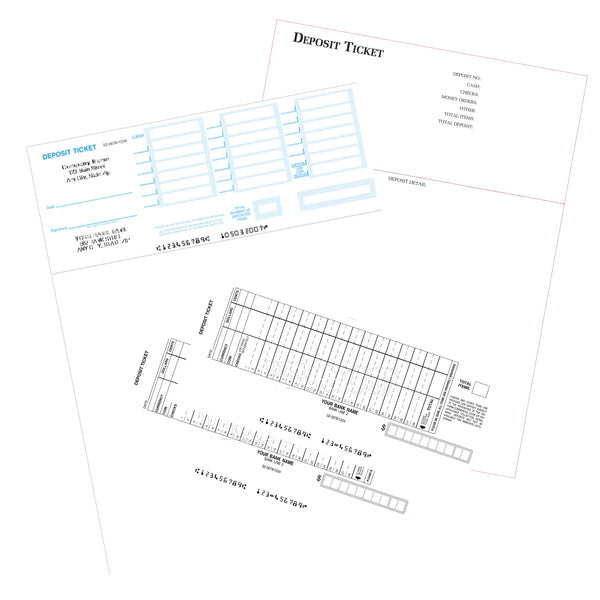
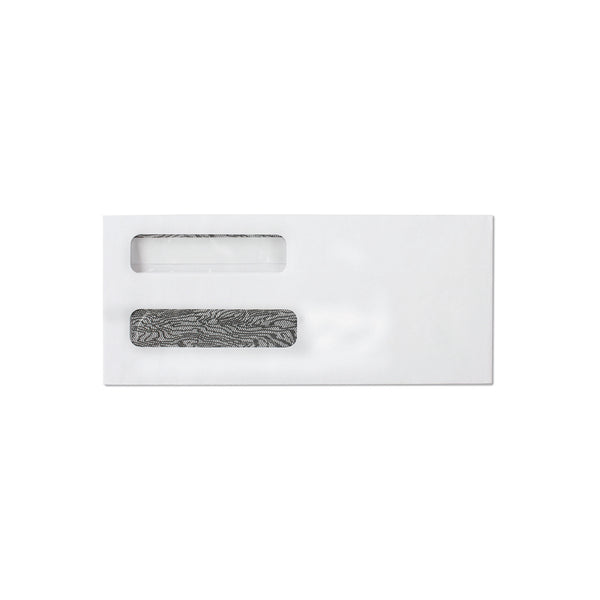
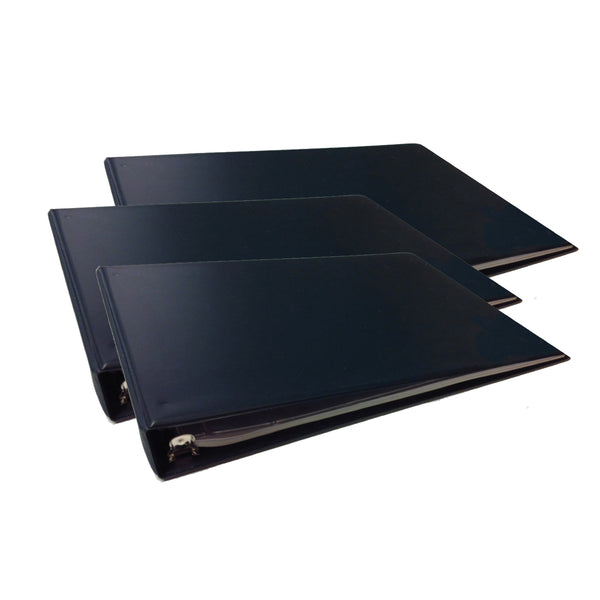
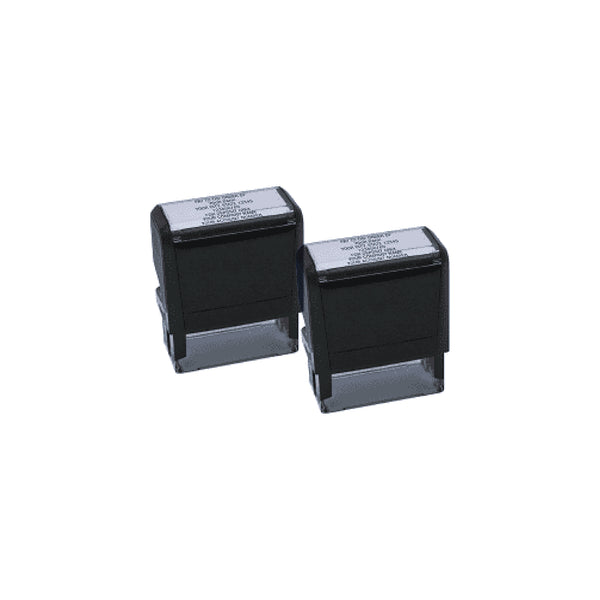
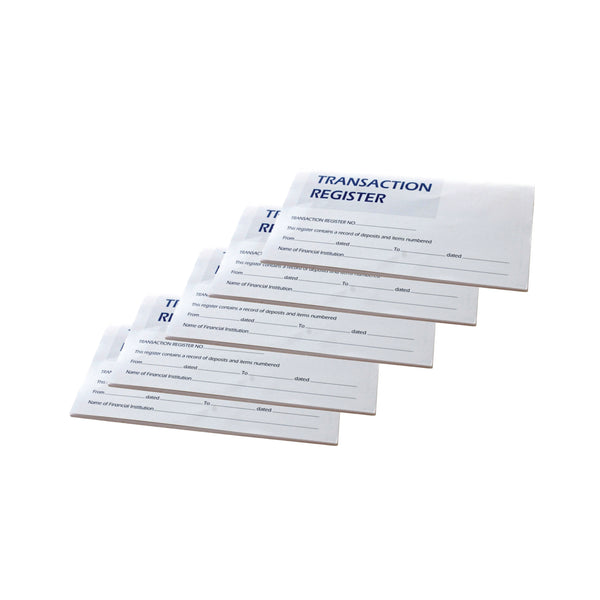
Ordering takes about five minutes
Have a current check nearby. Everything needed is printed on it.
-
1
Pick a check style
Choose the layout, color, paper and quantity that fit how you pay.
-
2
Fill in the details
Enter the name or business, bank information and starting check number. A logo can be added too.
-
3
We print and ship
We print the checks exactly as entered and ship them out.
Common questions
Still not sure? Call us and we'll help you choose.
Which checks work with QuickBooks or Quicken?
Choose QuickBooks Checks or Computer Checks. Check on top is the most common layout for accounting software. Not sure? Call us and tell us which program you use.
What's the difference between printed and blank checks?
Printed checks arrive with the name, bank information and account numbers already on them. Blank checks are plain security paper: everything is printed later with check-writing software, which usually needs MICR toner or ink.
Where do I find my routing and account number?
Look along the bottom of any current check. The first 9 digits are the routing number, followed by the account number, then the check number.
Can I add my company logo?
Yes. On computer checks a logo can be uploaded right on the product page. It prints in black and white.
Can I order by phone or email?
Yes. Call 718-522-2161 or email Sales@expcheck.com.
Not sure which checks you need?
Tell us what software or bank you use and we'll point you to the right check. Orders can also be placed over the phone.